Ethernet Category Bandwidth Explained: 100, 250 and 500 MHz and What They Mean
Published on 10/28/2026 • Updated on 10/28/2026
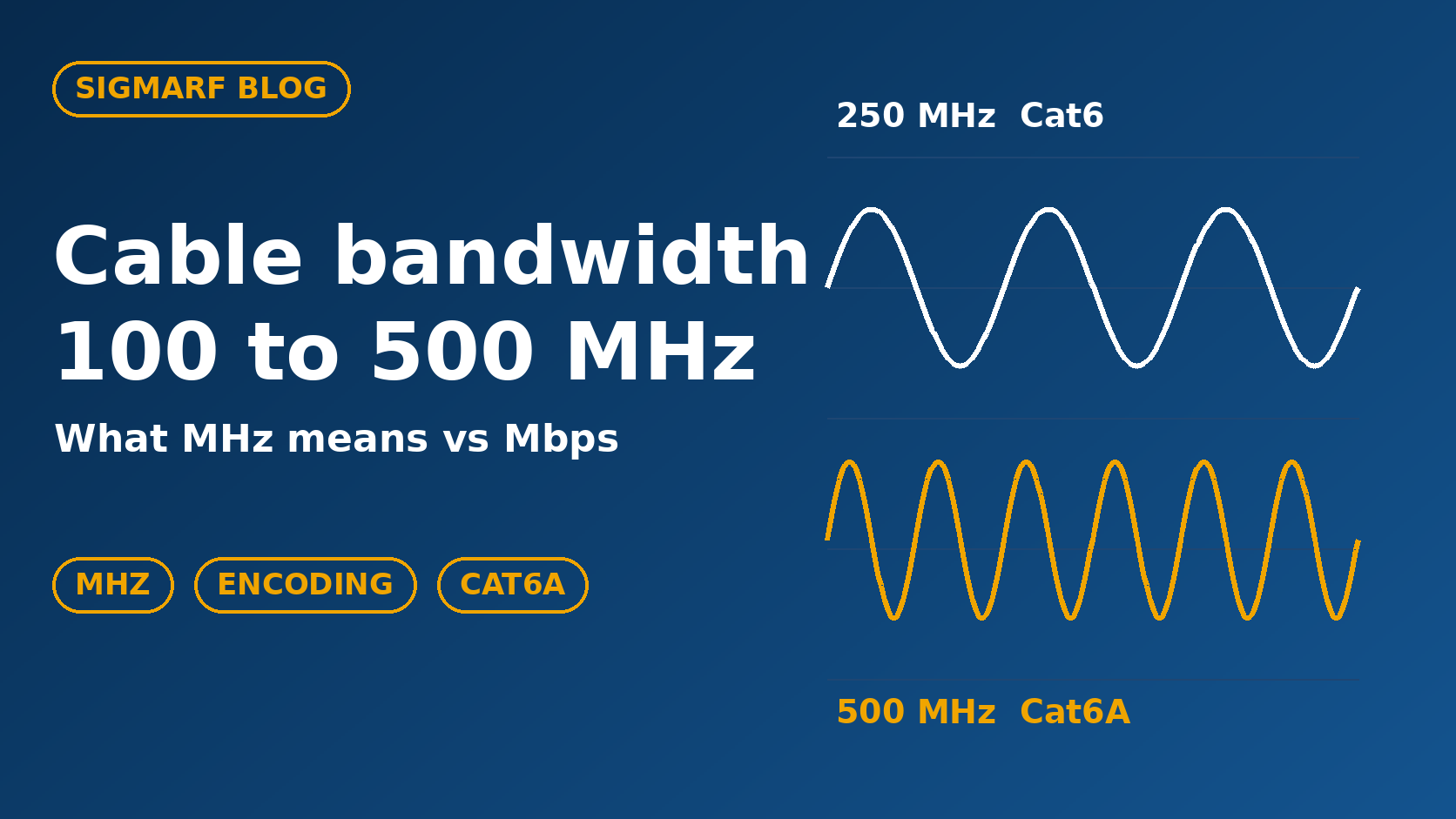
Category bandwidth in megahertz is the frequency range the cable is tested to; data rate in gigabits per second depends on both bandwidth and the Ethernet standard's encoding. Cat5e is rated 100 MHz, Cat6 250 MHz and Cat6A 500 MHz, which is why their supported data rates differ.
What does cable bandwidth in MHz actually mean?
Megahertz (MHz) measures frequency: how many signal cycles per second the cable is designed and tested to carry. When a datasheet says Cat6 is a 250 MHz cable, it means the construction meets its crosstalk and loss limits across frequencies up to 250 megahertz. It does not mean the cable carries 250 megabits per second.
The distinction matters because buyers compare the wrong numbers. A category is a transmission-quality grade measured in MHz. A data rate is a throughput figure in megabits or gigabits per second (Mbps or Gbps). The two are related through the encoding scheme of each Ethernet standard, not through a fixed ratio.
MHz vs Mbps: why the two numbers differ
Ethernet sends more than one bit per signal cycle. 1000BASE-T transmits on all four pairs at once and packs multiple bits into each symbol using a scheme called PAM-5 (pulse amplitude modulation with five levels). 10GBASE-T uses a denser scheme, PAM-16, pushing more bits per symbol but demanding far better signal-to-noise ratio from the cable. The multi-gigabit standards 2.5GBASE-T and 5GBASE-T sit between, using the 10GBASE-T encoding clocked down.
This is why Cat5e at 100 MHz carries a full gigabit per second: the standard spreads data across four pairs and clever encoding, rather than needing 1000 MHz of cable. It is also why 10GBASE-T needs Cat6A: PAM-16's tighter spacing leaves little tolerance for noise, so the cable must stay clean out to 500 MHz.
Category to bandwidth to standard, in one table
| Category | Rated bandwidth | Ethernet standards it supports | Encoding note |
|---|---|---|---|
| Cat5e | 100 MHz | 1000BASE-T to 100 m; 2.5GBASE-T under IEEE 802.3bz | PAM-5 on four pairs for 1G |
| Cat6 | 250 MHz | 1000BASE-T; 2.5G and 5GBASE-T; 10GBASE-T to a limited, condition-dependent distance | Higher headroom for denser encoding |
| Cat6A | 500 MHz | All of the above plus 10GBASE-T to 100 m | PAM-16 needs this signal-to-noise margin |
| Cat8 | 2000 MHz | 25/40GBASE-T to 30 m, data-centre links | Very short, heavily shielded channels |
The same encoding logic explains our Cat5e vs Cat6 vs Cat6A guide: each step up in category buys the frequency range and crosstalk margin the next encoding scheme requires.
Specify the Ethernet standard, not just a category name. We build and test assemblies against the actual link requirement.
Explore custom Ethernet assembliesWhy headroom matters for noise and crosstalk
A cable run exactly at its limit has no room for the real world: a slightly untwisted pair at a plug, a crushed section under a cable tie, or interference from a motor drive. Headroom, meaning performance margin above what the standard minimally requires, absorbs those imperfections.
Crosstalk is the unwanted coupling between pairs. As frequency rises, crosstalk worsens, which is why higher categories tighten their crosstalk limits at higher frequencies. A Cat6A assembly in a Gigabit product runs with large margin; the same product on marginal Cat5e might pass on the bench and fail next to a variable-frequency drive.
How bandwidth is verified in testing
Cable performance is verified by swept-frequency measurements, not by a single-number check. Certification testers measure insertion loss (signal weakening), near-end crosstalk (NEXT), return loss (reflections from impedance mismatches) and related parameters across the category's full frequency range. The result is a pass or fail against the category limit line at every measured frequency.
For custom assemblies this has a practical consequence: a short jumper that passes a wiremap check can still fail a certification sweep if a termination untwists too much pair. That is why our guide to Ethernet cable testing separates wiremap from full parameter testing, and why the drawing should state which test level applies.
Choosing a category from the standard you run
The reliable way to pick a category is to start from the Ethernet standard, not the cable shelf. Write down the fastest link the product will ever carry over its life, add the run length and the noise environment, and the category falls out: 1G on Cat5e, 2.5G on Cat5e or better, 5G on Cat6 or better, 10G on Cat6A. Then ask the second question: does this product have margin for a harsh installation? If the answer is uncertain, move one category up.
Bandwidth also interacts with length. All category ratings assume the 100-metre channel. Inside equipment, where runs are a few metres, every category has extra margin, which is why internal harnesses tolerate upgrades gracefully. The full distance logic, including why very short cables can misbehave, is in our Ethernet cable length limits guide.
Worked example: reading a test report
Wiremap: PASS | Length: 3.2 m | Insertion loss at 500 MHz: PASS, margin 2.1 dB | NEXT, worst pair: PASS, margin 4.6 dB | Return loss, worst pair: PASS, margin 1.8 dB. The margins are the useful numbers: they show how far the assembly sits above the limit line, which predicts how forgiving it will be once installed next to power wiring.
Common questions
What is the bandwidth of Cat6 cable?
Cat6 is rated to 250 megahertz. That frequency range supports Gigabit Ethernet to 100 metres, 5GBASE-T, and 10GBASE-T over limited distances depending on installation conditions.
Does higher MHz mean faster internet?
Not directly. MHz is the cable's tested frequency range; your actual speed is set by the Ethernet standard and equipment. Higher-MHz cable enables faster standards, but a Cat6A cable will not make a Gigabit port run faster.
How can Cat5e at 100 MHz carry 1000 Mbps?
1000BASE-T transmits on all four pairs simultaneously and encodes multiple bits per signal cycle using PAM-5 modulation. Data rate comes from encoding as much as from raw frequency, so 100 MHz is sufficient for a gigabit.
Why does 10GBASE-T need 500 MHz cable?
10GBASE-T uses PAM-16 encoding, which packs many bits per symbol and is highly sensitive to noise and crosstalk. Cat6A's 500 MHz range and tighter crosstalk limits provide the signal-to-noise margin the encoding requires over 100 metres.
Is bandwidth the only thing that matters when choosing a category?
No. Shielding, conductor gauge, jacket, bend behaviour and termination quality all affect the installed link. Bandwidth sets the ceiling; construction quality decides how close to it you operate.
Bottom Line
MHz measures the cable's tested frequency range; Mbps measures throughput. Encoding bridges them, which is why 100 MHz Cat5e carries a gigabit and 500 MHz Cat6A is required for ten. Buy headroom where noise, bundles or future speed upgrades are likely, and state the test level on the drawing.
Assemblies tested against the standard you actually run
Send the Ethernet standard, lengths, environment and quantity. We build and test to the link requirement.
Custom Ethernet cable assemblies | Talk to SigmaRF
Aadeshwar Modi is a marketing technical content writer who loves writing on technology and AI topics.
- RF Transistor Frequency Response and Power Performance
- How Semiconductor Materials Affect RF Device Performance
- RFIC vs MMIC: Terminology, Integration and Selection
- What Is an MMIC? Inside a Monolithic Microwave Circuit
- What Are Microwave Vacuum Tubes and Where Are They Used?
- What Is a MESFET and How Is It Used in RF Circuits?
- What Is a Heterojunction Bipolar Transistor (HBT)?
- GaN vs GaAs RF Technology: Power, Noise and Design Trade-offs
- BJT vs MOSFET vs HEMT: RF Transistor Technologies Explained
- What Are RF Frequency Multipliers and How Do They Work?