Bend Radius and Flex Life: Specifying Ethernet Cables for Moving Parts and Cable Carriers
Published on 10/26/2026 • Updated on 10/26/2026
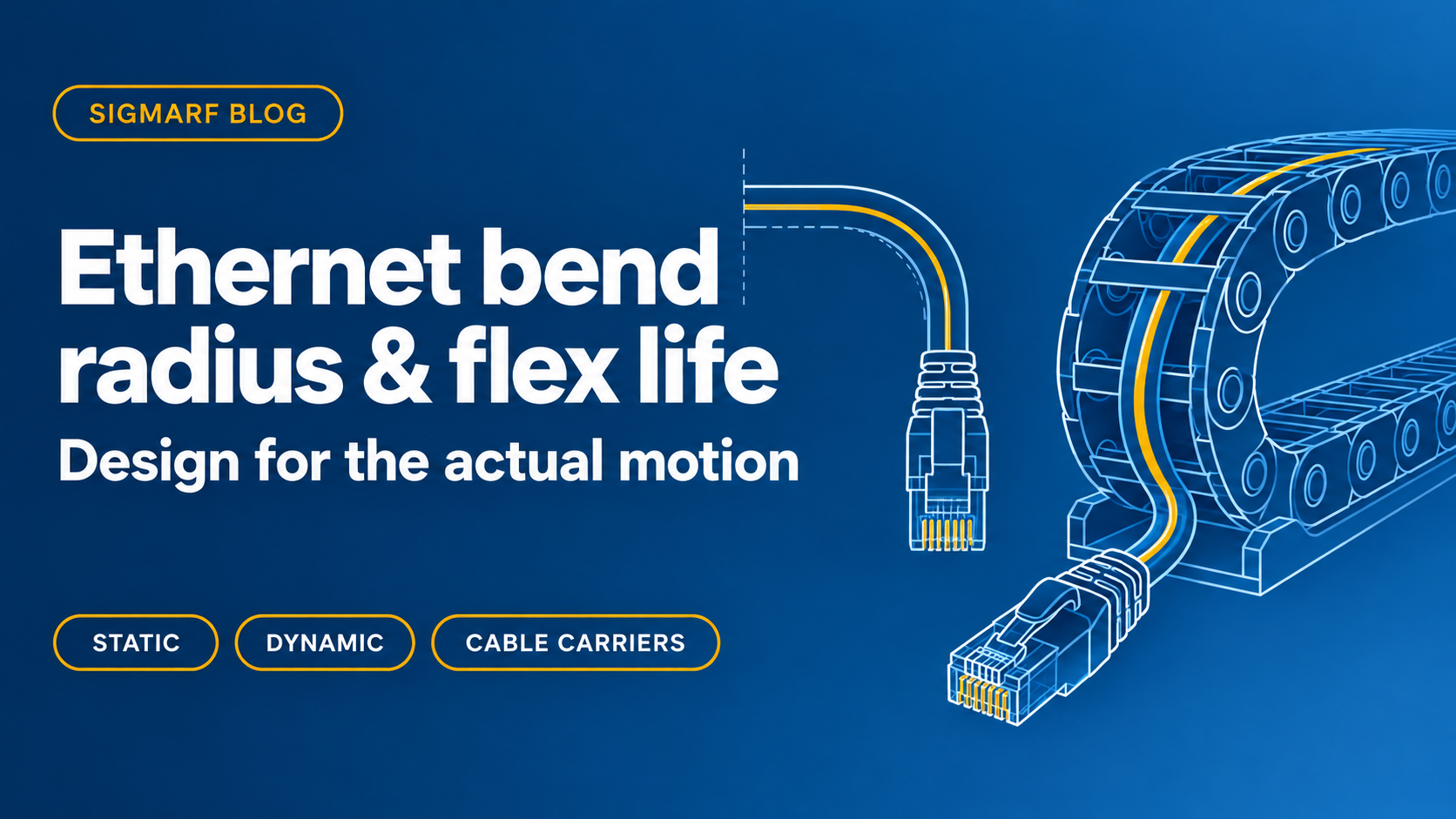
Ethernet cable bend radius is the minimum permitted curve for a particular cable under stated conditions. Static installation, repeated bending and torsion are different duties. Use the cable manufacturer's radius and motion ratings, then verify the finished assembly at the required travel, speed, temperature and cycle count. Category alone does not establish flex life.
- What bend radius should an Ethernet cable use?
- Why ordinary stranded cable may not be high-flex cable
- Translate machine movement into a cable specification
- Install the carrier without creating a new failure point
- Worked example: qualify a moving-stage assembly
- What to put on the drawing and purchase order
- Common questions
- Bottom Line
What bend radius should an Ethernet cable use?
Start with the exact cable part number and outside diameter. The minimum radius should come from its technical data, with separate values for fixed installation and motion where applicable. Common rules expressed as multiples of diameter are useful for early packaging estimates, but they are not a substitute for the selected cable's limits.
A static bend is formed during installation and then remains largely still. A dynamic bend repeats as a carrier, stage or arm moves. Torsion rotates the cable around its axis and creates another loading pattern. A cable approved for repeated bending in a carrier is not automatically approved for robot-arm torsion.
| Duty | Evidence needed | Do not assume |
|---|---|---|
| Fixed | Cable static radius | A stationary kink is safe |
| Carrier | Motion conditions and life data | Any stranded cord is suitable |
| Torsion | Specific rotation qualification | Carrier rating covers rotation |
State radius as a measured dimension and define the reference. The carrier manufacturer's bend radius and the cable's actual path must be reconciled. A nearby clamp, divider or enclosure edge can impose a smaller local radius than the carrier itself. Inspect the entire route, particularly at entry and exit points.
Why ordinary stranded cable may not be high-flex cable
Stranded conductors help flexibility, but conductor stranding is only one part of a moving cable. Pair lay, insulation, internal support, shield construction and jacket must work together without changing pair geometry excessively. A stranded patch cord designed for handling at a desk may not suit continuous movement in a production machine.
The electrical target remains important while the cable moves. Twisted pairs rely on controlled geometry to limit coupling and impedance changes. A damaged cable may still pass a simple continuity test while its high-frequency performance deteriorates. Plan the acceptance test around the required data link, not only whether every conductor connects end to end.
Turn your design requirements into a controlled assembly specification.
Specify a custom Ethernet assemblyShielding also needs a motion rating. Foil, braid and their combinations have different mechanical behavior depending on the complete cable design. Do not select a shield by its name alone. Likewise, polyurethane (PUR) and thermoplastic elastomer (TPE) are material families, not automatic guarantees of oil resistance, cleaning compatibility or a particular cycle life.
Translate machine movement into a cable specification
Record travel distance, velocity, acceleration, direction changes and the number of movements over the intended service interval. Define what counts as one cycle. A double stroke in a carrier may not mean the same thing as one robot movement. A cycle claim without its radius, travel and environmental conditions is incomplete.
Describe whether the cable bends in one plane, twists, hangs vertically or experiences combined motion. Add minimum and maximum operating temperatures, exposure to oil or cleaning fluids, and any abrasion points. Include connector supports, because an otherwise suitable cable can fail when movement is concentrated at the termination.
For an automated gantry, a carrier-rated assembly may be appropriate. For a medical C-arm, the designer must examine the actual combined movement and cleaning conditions. For a motorised stage, repeated small bends near a fixed clamp may dominate life. These are different qualification problems even when they all use the same Ethernet category.
Install the carrier without creating a new failure point
Follow the carrier and cable suppliers' instructions for clearance, separation and retention. The cable should move as designed without being pinched or forced against neighboring items. Avoid tight ties in the moving region. Where strain relief is required, place it according to the approved carrier layout rather than improvising at assembly.
Do not introduce stored twist during installation. Unreel and lay the cable in the intended direction, then check its behavior over the full travel before closing the machine. A cable that rolls or snakes in the carrier may be responding to torsion, an unsuitable construction or an installation constraint.
Inspect both travel extremes. Check for tension at one end and excess loops at the other. Confirm that the cable does not rub a sharp panel edge, block a moving component or load the plug. Preserve access for inspection and replacement. Cable management should support motion, not merely make the enclosure look tidy.
Worked example: qualify a moving-stage assembly
This illustrative qualification starts with a stage moving between two end positions. The drawing identifies cable part, carrier radius, travel, motion profile and intended number of double strokes. It also specifies a fixed connector at each end, with strain relief keeping the moving region away from the plugs.
First check fit and free movement without energizing the equipment. Then run the defined motion profile under representative load and temperature while monitoring the intended Ethernet traffic. Record baseline and final electrical test results, interruptions, and the physical condition of jacket, shield and terminations. Set pass criteria before testing begins.
Do not turn an uneventful short prototype run into a lifetime claim. If accelerated testing changes speed, temperature or radius, document why that method represents service duty. Keep the tested construction controlled. A later change in jacket compound, conductor construction or connector support can invalidate the result even when the category label stays unchanged.
What to put on the drawing and purchase order
State the cable's static and dynamic limits separately, required motion duty, assembly length and tolerance, fixed sections, strain-relief points, connector orientations, environment and test evidence. If the supplier proposes an alternative cable, require motion data and approval before substitution. A generic line reading "flexible Cat6" leaves too much unspecified.
Avoid quoting a universal four-diameter or ten-diameter rule as a guaranteed safe radius. Avoid promising millions of cycles without the conditions supporting that number. Avoid assuming a braided shield or PUR jacket makes every construction suitable for every moving machine. The full assembly and actual installation determine whether the choice works.
See the solid versus stranded guide for conductor trade-offs and the Ethernet jacket guide for materials. The right-angle RJ45 guide helps where space near the port is the constraint rather than continuous flexing.
Common questions
Is four times cable diameter always a safe Ethernet bend radius?
No. A diameter multiple can be a planning rule, but the selected cable and application determine the limit. Check static and dynamic values separately. The connector transition may have its own restrictions. Where a datasheet is unclear, obtain the supplier's written guidance before approving the installation.
Can ordinary Cat6 patch cable go in a cable carrier?
Only if its manufacturer supports that duty and the finished assembly meets required life and electrical criteria. Stranded conductors alone are insufficient evidence. Cable carriers impose repeated movement on insulation, pair geometry, shield and jacket, so the construction must be designed and validated for those conditions.
Does a PUR jacket guarantee high flex life?
No. PUR describes a family of jacket materials, not the complete cable design. Conductors, insulation, pair layout, shielding and installation all affect service life. Check the actual part's motion rating and chemical data. A cable may be oil resistant without being rated for the required movement.
How should I specify a required number of cable cycles?
Define the cycle, bend radius, travel, speed, acceleration, temperature and any torsion. State pass criteria for both electrical performance and physical condition. Ask for evidence that applies to the proposed construction. A cycle count without its test conditions cannot be compared reliably across different products.
Bottom Line
Specify movement before choosing cable. Use the selected construction's radius and life data, protect the terminations, and qualify the full assembly in the actual route. "Flexible" is a description, not an acceptance test. Send the motion profile, route, environment and electrical requirements when requesting an assembly quote.
Build around your equipment, not a generic cord
Share category, shielding, length, connector orientation, environment, quantity and required testing.
Custom Ethernet cable assemblies | Talk to SigmaRF
Ed is a Sourcing & Marketing Expert at SigmaRF, writes content related to Technology and Engineering topics
- RF Transistor Frequency Response and Power Performance
- How Semiconductor Materials Affect RF Device Performance
- RFIC vs MMIC: Terminology, Integration and Selection
- What Is an MMIC? Inside a Monolithic Microwave Circuit
- What Are Microwave Vacuum Tubes and Where Are They Used?
- What Is a MESFET and How Is It Used in RF Circuits?
- What Is a Heterojunction Bipolar Transistor (HBT)?
- GaN vs GaAs RF Technology: Power, Noise and Design Trade-offs
- BJT vs MOSFET vs HEMT: RF Transistor Technologies Explained
- What Are RF Frequency Multipliers and How Do They Work?